
Thailand Digital Arrival Card (TDAC): How to Fill It In
The Thailand Digital Arrival Card (TDAC) is a free online form that all non-Thai nationals must complete within 3 days before arriving in Thailand by air, land or sea. Transit passengers who skip immigration control and Border Pass holders are exempt. It replaces the paper TM.6 card, is not a visa, and is filed again for every entry.
On this page
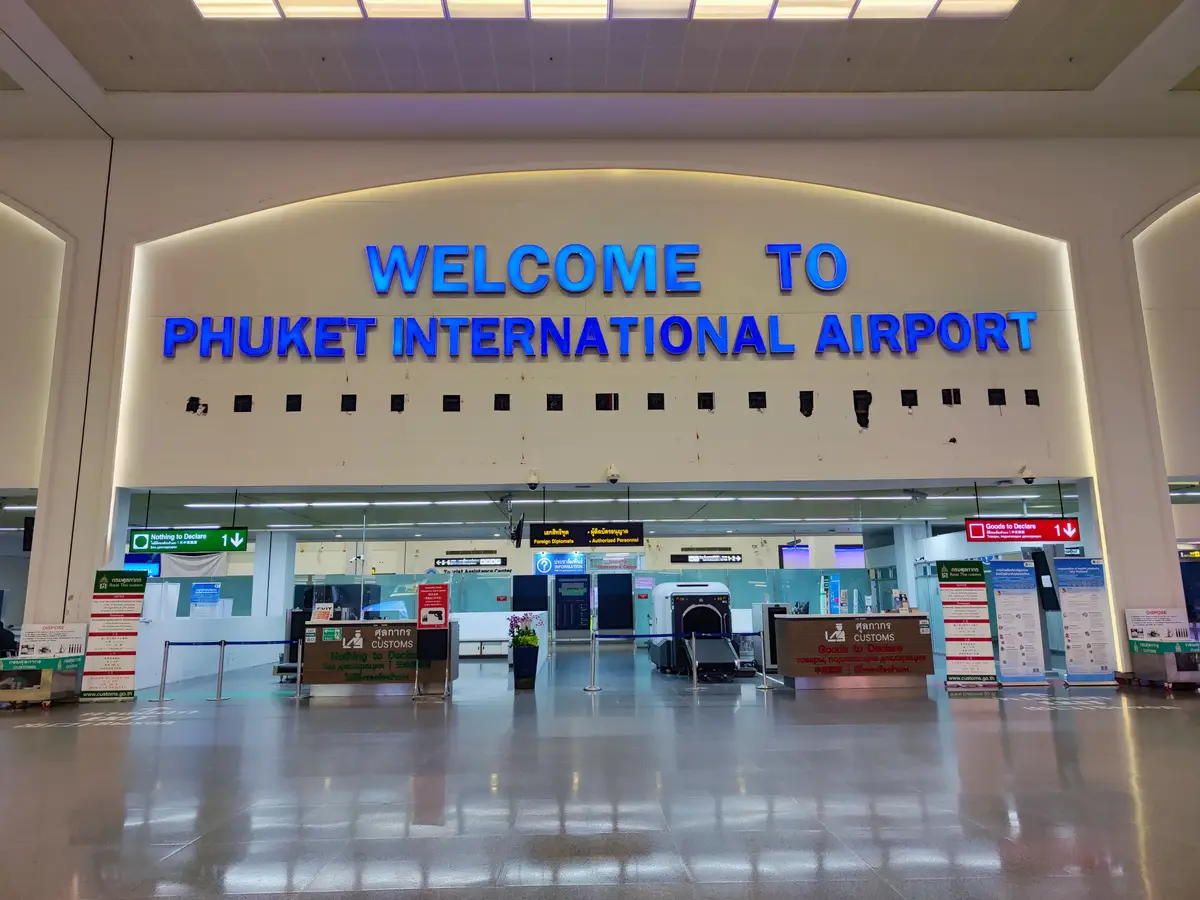
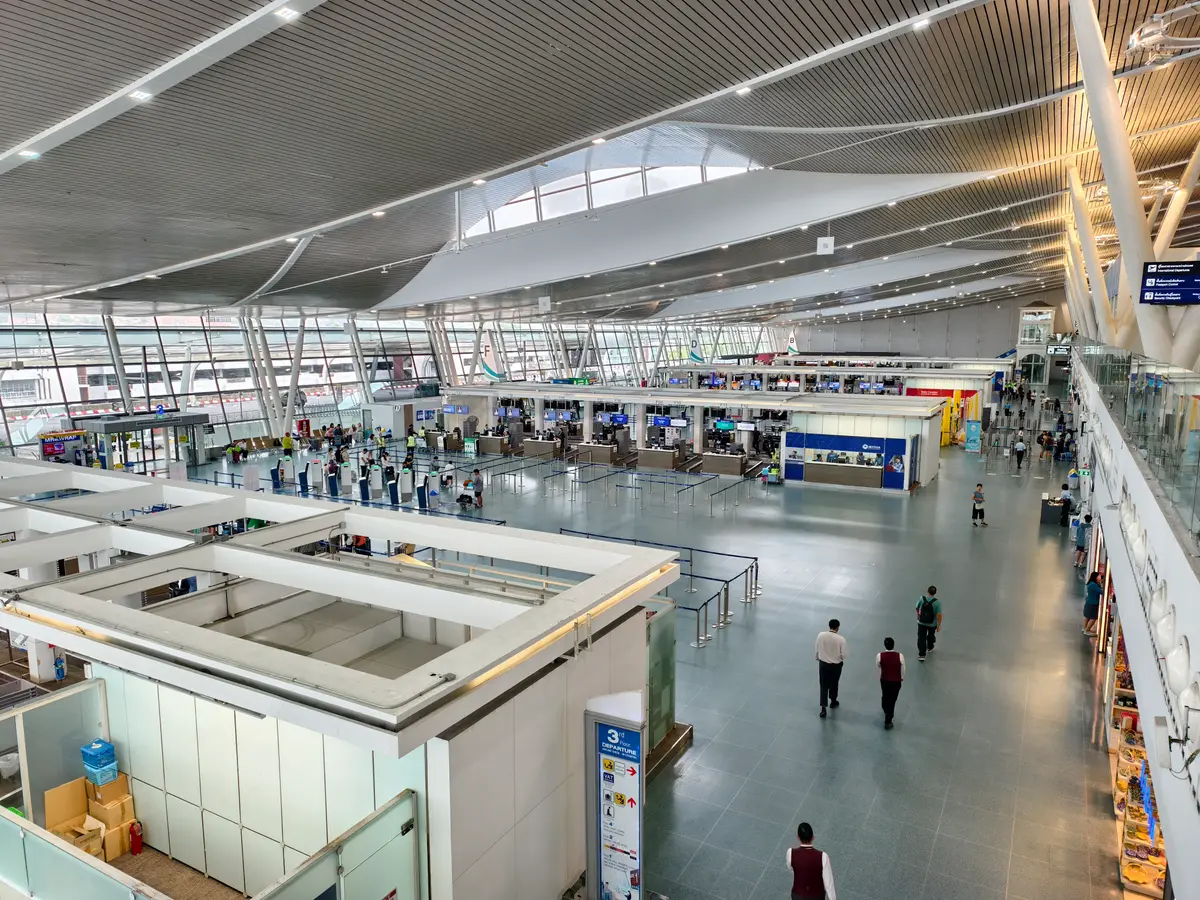
After you leave the aircraft at Phuket International Airport, the next stop is Passport Control, step 2 of the arrival procedure for international passengers. The paper arrival card is gone. The Thailand Digital Arrival Card (TDAC) replaces the TM.6 form, and completing it online is mandatory for all foreign nationals before arrival. Have the confirmation with its QR code ready to present.
Who has to submit a TDAC
From 1 May 2025 all non-Thai nationals entering Thailand by air, land or sea are required to complete the TDAC online. That covers tourists, business travellers and long-term residents. It also covers travellers who enter without a visa under the visa exemption scheme.
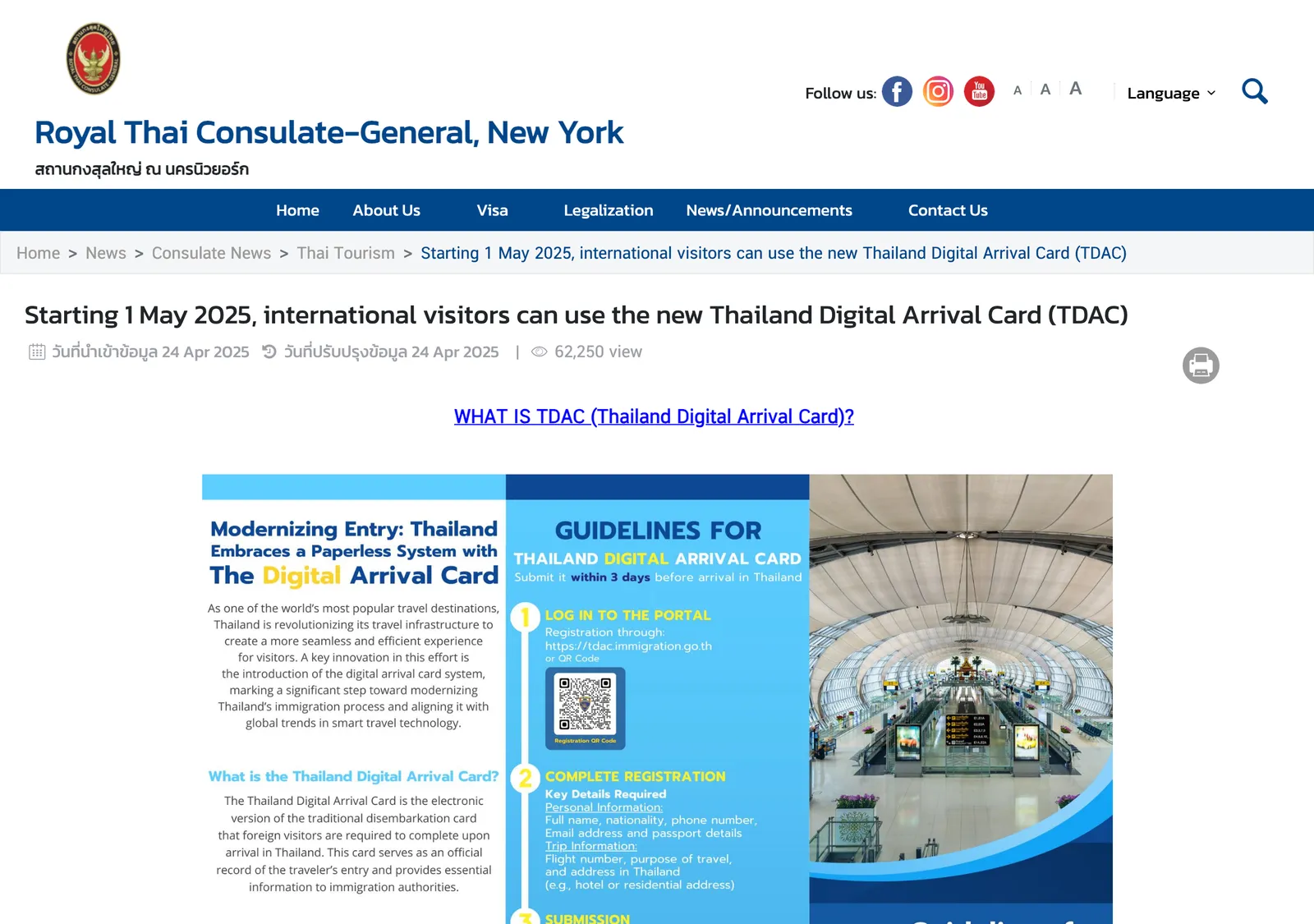
Children and infants file too, and a parent or guardian completes the form for them. The only exceptions are these three:
- Thai nationals returning to Thailand.
- Travellers transiting or transferring through Thailand without passing through immigration control.
- Travellers entering with a Border Pass.
A transit passenger who passes the immigration checkpoint and leaves the airport does need a TDAC. The form is not a visa, so travellers who need a visa still apply for one. The visa types guide compares the routes, and the visa exemption guide covers visa-free entry.
When to submit it, and what it costs
File within 3 days prior to arrival. That is a three-day window preceding the travel date, so a card filed earlier falls outside it. The form can be completed right up until you go through immigration, so filing at the airport works if you forgot.
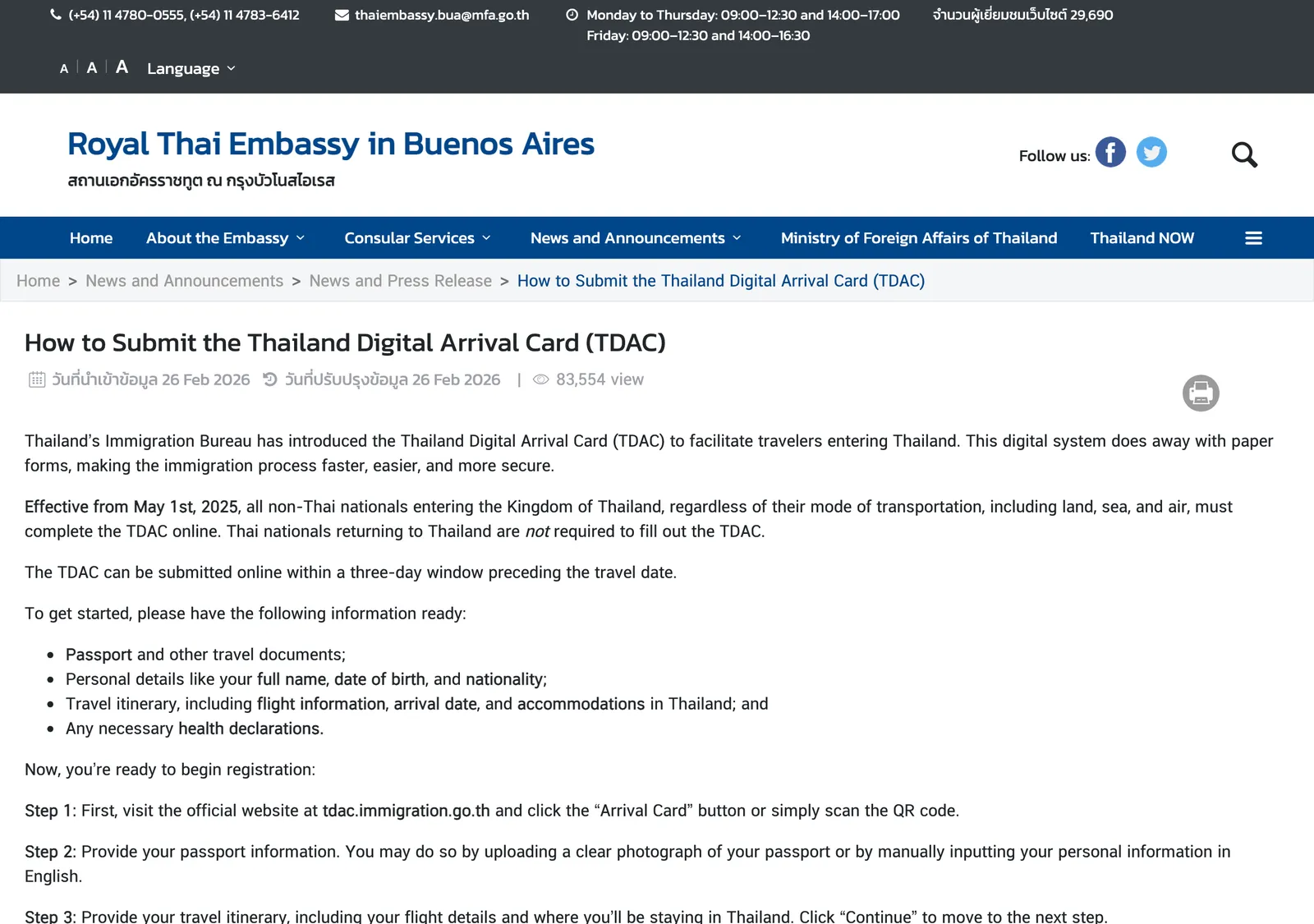
The TDAC is free of charge, and travellers should be wary of any website charging administrative fees. Start from the official website, tdac.immigration.go.th. A card is valid for a single entry, so you submit a new one for every entry into Thailand.
Step by step on the official site
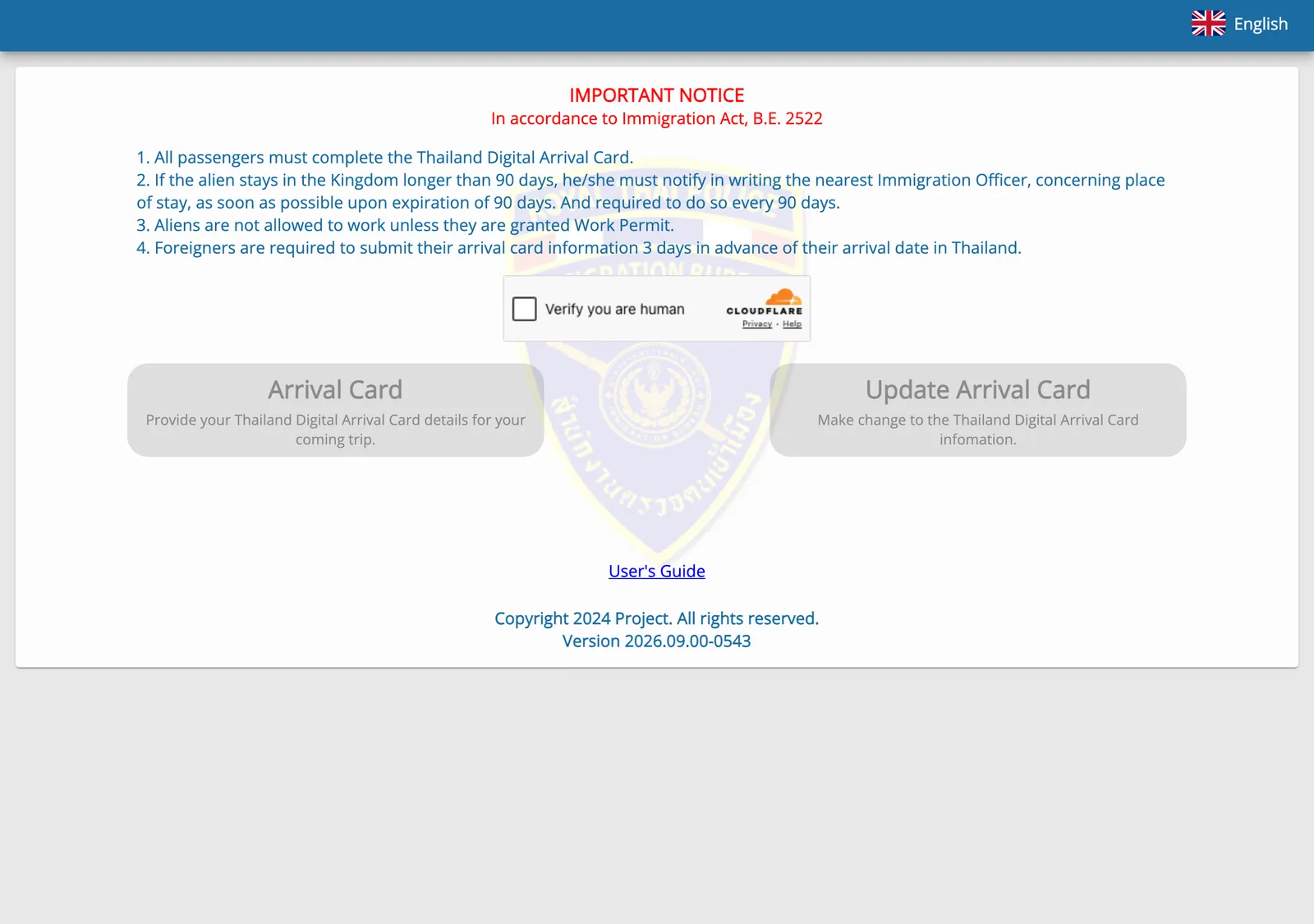
Start at the official website, then click Arrival Card or scan the QR code.
What to have ready
- Your passport and other travel documents.
- Your full name, date of birth and nationality.
- Your flight information, arrival date and accommodation in Thailand.
The steps
- Open the site and click Arrival Card, or scan the QR code.
- Give your passport information: upload a clear photograph of the passport, or type your personal information in English.
- Enter your travel itinerary, including flight details and where you will stay.
- Answer the health declaration if the system prompts you. It prompts people with specific nationalities, or travel history to areas identified as high risk for specific diseases within the last 14 days.
- If you travel with others, click Add and repeat the steps for each person.
- Review everything, then enter your email address, agree to the terms and conditions and click Submit.
- Download the evidence of your submission or check your email for the confirmation, and have it ready to present on arrival.
After you apply you receive a confirmation email with the TDAC as a QR code. The PDF can be printed or shown on a smartphone at the immigration checkpoint.
If something is wrong
The official site has an Update Arrival Card button for making changes to the information. If the email or QR code never arrives, notify the immigration officer at the checkpoint.
Filling it in at Phuket Airport
File the card before you board. Several airports offer wifi and kiosks for completing the form online if a traveller’s device is unavailable. The Not confirmed box says what is unknown for Phuket.
222 Moo 6, Mai Khao, Thalang District, Phuket 83110, Thailand · Open in Google Maps (opens in a new tab)
After you land
Arrival at Phuket International Airport follows this order for international passengers:
- Passport Control, where you show the QR code or the downloaded evidence.
- Health Control for yellow fever.
- Baggage claim, where belts No. 1 to 5 are for international arrivals.
- Customs, with a Red Line for goods to declare and a Green Line for none.
The priority lane at Passport Control is for Thai, Diplomatic, Official, Air Crew, BOI, Thailand Privilege, Buddhist Monks, Senior Citizen (70+), Pregnant, Infants and Disables.
Yellow fever certificate
A traveller who came from or through a Yellow Fever Infected Area must provide an International Health Certificate showing a yellow fever vaccination. You present it to the immigration officer on arrival.
Nationals of listed countries who have not travelled from or through them need no certificate but should hold evidence that their domicile is not in an infected area. The embassy page behind this rule dates from 2022, so check the current country list with the Thai embassy that serves you.
The TDAC site also carries a residence notice. Foreigners who stay longer than 90 days notify the nearest immigration officer in writing of their place of stay, and repeat it every 90 days. For a longer plan, read the DTV guide.
Photo credits
- Photos and clips uploaded to Google Maps (Phuket International Airport on Google Maps (opens in a new tab)) by Felix Y, Carson K.
Step by step
- Open the official siteVisit tdac.immigration.go.th and click Arrival Card, or scan the QR code. Do it within 3 days before arrival.
- Enter your passport detailsUpload a clear photograph of your passport, or type your personal information in English.
- Add your tripGive your flight details and where you will stay in Thailand.
- Answer the health questionsSome nationalities, and travellers who visited high-risk areas in the last 14 days, are prompted for health information.
- Add companionsIf you travel with others, click Add and repeat the steps for each person.
- Review, enter your email and submitEnter an email address to receive confirmation, agree to the terms and click Submit.
- Save your confirmationDownload the evidence of submission or keep the email, and have it ready to present on arrival.
Not confirmed: Whether Phuket Airport has TDAC kiosks and where. File before you fly. Whether a family can file together: check the official site. Open Update Arrival Card on the official site and test it.
Common questions
Is the TDAC free?
The TDAC is free of charge, and travellers should be wary of any website charging administrative fees. The official site is titled as requiring no fees.
How early can I submit the TDAC?
File within 3 days before your arrival date. The form can be submitted within a three-day window preceding the travel date.
Do children need their own TDAC?
All travellers submit a TDAC, including children and infants. A parent or guardian completes the form on the child's behalf.
Do I need a TDAC if I only change planes in Thailand?
Only travellers passing through the immigration checkpoint and leaving the airport need to submit a TDAC. Transit passengers who do not pass immigration control are the exception.
What if I never receive the confirmation email or QR code?
Notify the immigration officer at the immigration checkpoint.
Can I change my details after I submit?
The official site has an Update Arrival Card option for making changes.
Do I need a new TDAC for every trip?
A new TDAC is submitted for every entry into Thailand.
Is a TDAC the same as a visa?
The form is not a visa, but an immigration requirement. Travellers who need a visa still apply for one.
Is there a yellow fever check at Phuket Airport?
Health Control for yellow fever is step 3 of the arrival procedure at Phuket International Airport. Travellers who came from or through a Yellow Fever Infected Area must provide an International Health Certificate.
Read next
Places in this guide
General information checked against the sources listed above, not legal advice for your situation. Rules and office practice change; confirm with the immigration office or a licensed adviser before you act. See how guides are checked.
Spotted an error? Report it.
Comments (10)
rgc184
Immigration & TDAC (Arrival Card) for Bangkok to Phuket transit (Single PNR) Hi everyone, I am flying internationally to Phuket (HKT) with a layover in Bangkok (BKK). My entire trip is booked on a **single PNR/ticket**. For returning back, my flight is from Bangkok. I have two quick questions to make sure I get the arrival logistics right: 1. **Where do I clear immigration?** Since I am on a single ticket, do I clear passport control during my layover in Bangkok, or do I clear it when I finally arrive in Phuket? 2. **Filling out the TDAC:** When filling out the Thailand Digital Arrival Card (TDAC) online, which flight number should I enter? Do I use my international flight arriving into Bangkok, or my domestic connecting flight down to Phuket?
MindSnapz
Yes you will be clearing immigration in Bangkok since that's your first stop in the country ,you should enter the Bangkok flight number
Worried-Inspector165
Digital arrival card not checked I flew in to Phuket last week, the immigration officer did not say a word to me just took my passport and pointed for me to scan my fingerprints. I was not asked for the digital arrival card, I did not fill out the departure date as I bought a one way and do not have a flight leaving yet, so I left it blank. I’ve heard that even if they do check, it’s still fine to skip it.
MavBro
The digital arrival card is attached to your passport number. They can see it in their computer when you present to the officer. In my experience, onward tickets are rarely requested unless you fit a high risk demographic. Also, Thailand has several land boarders and many people do not leave the country by air.
foggiesthead
As others have written, they already have TDAC linked to the passport. Not having a ticket out of the country is rarely a problem upon arrival, but airlines often check that you have it because they have to pay for the return trip if you are not allowed in.
notyouraveragejoe84
Digital arrival card issues Hi I am currently in Indonesia and trying to fill out my digital arrival card before my flight to Thailand on Monday. I'm going through the official website but it's not allowing me to input certain data regarding the mode of transport and the region (Phuket) where I will be staying for the first few nights. Can anybody help with this.
scooppunk
mode of transport: select commercial flight if you're riding a plane province: google map search the hotel name will be staying and jot down according to address given in english
Lophkey
Yes looks like server issue wait an hour and try again if it still fails try disabling any advert filters you may be using - worked for me as ad blocking was interfering with cloud flare on that site for me. Worth mentioning cloud flare had a massive outage the other day might have caused knock on effects for systems that rely on it.
JunoLaker
Seriously paying a third party for TACD is like burning money. It's the equivalent of the piece of paper we used to have to fill out on the plane. Worst case is you do it upon arrival.
Ok_Ant_9381
Happened to me as well. Just kept on trying and eventually it worked. You have to start all over with a new submission whenever it happens. Was a pain in the ass indeed. I think it took me like 10 try’s